当前位置:首页 > 经验笔记 > VUE > 正文内容

基于Vue的移动端图片裁剪组件(vue-imgcut)

han32685年前 (2021-04-15)VUE4169

安装:

npm install vue-imgcut –save

使用代码:

<template>
    <div>
        <imgCut ref="Uppicinput" @callback="callback" :width="200" :height="200">
            <div>上传按钮</div>
        </imgCut>
        <img :src="imgsrc">
    </div>
</template>


<script>
import { imgCut } from 'vue-imgcut'
export default {
    components: {
        imgCut,
    },
    data() {
        return {
            imgsrc: '',
        }
    },
    methods: {
        callback(img) {
            this.imgsrc = img
            console.log(img)
        },
    },
}
</script>

<style scoped lang="less">

</style>

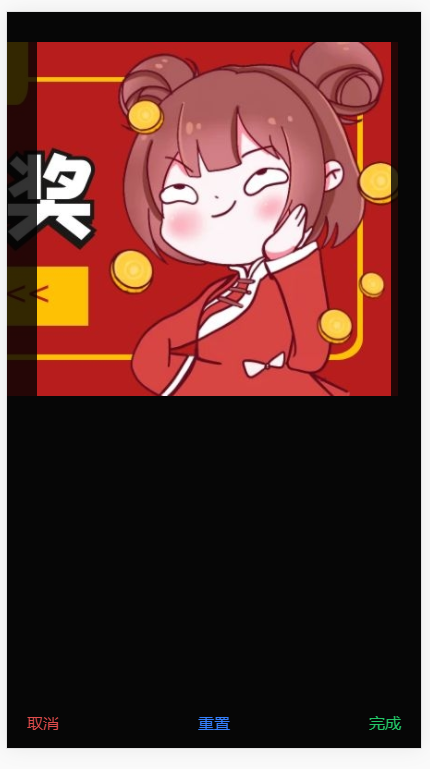
使用展示:
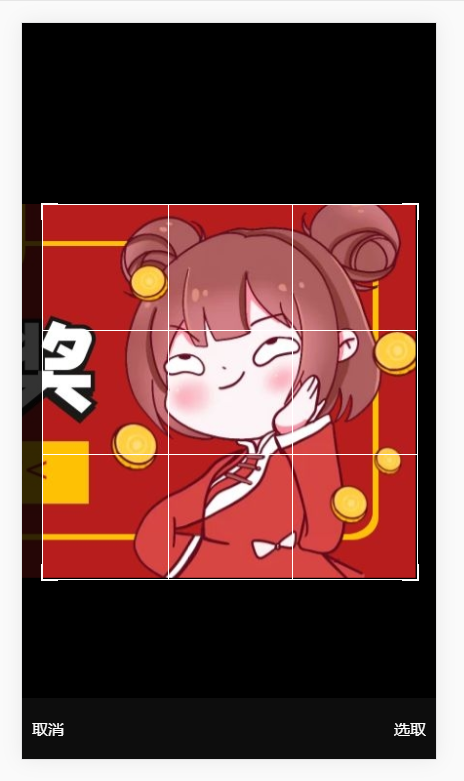
image.png


扫描二维码推送至手机访问。

版权声明:本文由瀚文博客发布,如需转载请注明出处。

本文链接:https://www.hanwenblog.com/post/52.html

分享给朋友:

相关文章

VUE computed和watch的区别最简化

VUE computed和watch的区别最简化

<!DOCTYPE html> <html lang="en"> <head>    &...

vue中实现点击按钮滚动到页面对应位置 使用css3平滑属性实现

vue中实现点击按钮滚动到页面对应位置 使用css3平滑属性实现

vue项目中,需要实现点击对应按钮,滚动到对应页面位置,下面分享一个简单实用的方法<template>   <div class="box&...

vue 项目运行node-sass报错

vue 项目运行node-sass报错

报错信息Browserslist: caniuse-lite is outdated. Please run:   npx&nb...

ElementUI的el-cascader级联选择器组件获取选中的label | VUE

ElementUI的el-cascader级联选择器组件获取选中的label | VUE

例如上图,需要拿到全部/设备:设备123<el-cascader   ref="myCascader"   :options=&q...

element中el-switch开关点击弹出确认框 阻止默认的el-switch 的点击事件 发送请求成功后才改变状态

element中el-switch开关点击弹出确认框 阻止默认的el-switch 的点击事件 发送请求成功后才改变状态

Switch 开关表示两种相互对立的状态间的切换,多用于触发「开/关」。常见用法: 1、绑定v-model到一个Boolean类型的变量。可以使用active-color属性与inactiv...